
Upgrade Support: RSA Authenticator Install Instructions

Quick Setup: RSA Authenticator for Cash Management

To access Cash Management services, you’ll need to download and set up RSA Authenticator on your mobile device.

Follow these steps (or watch the demo video below them):

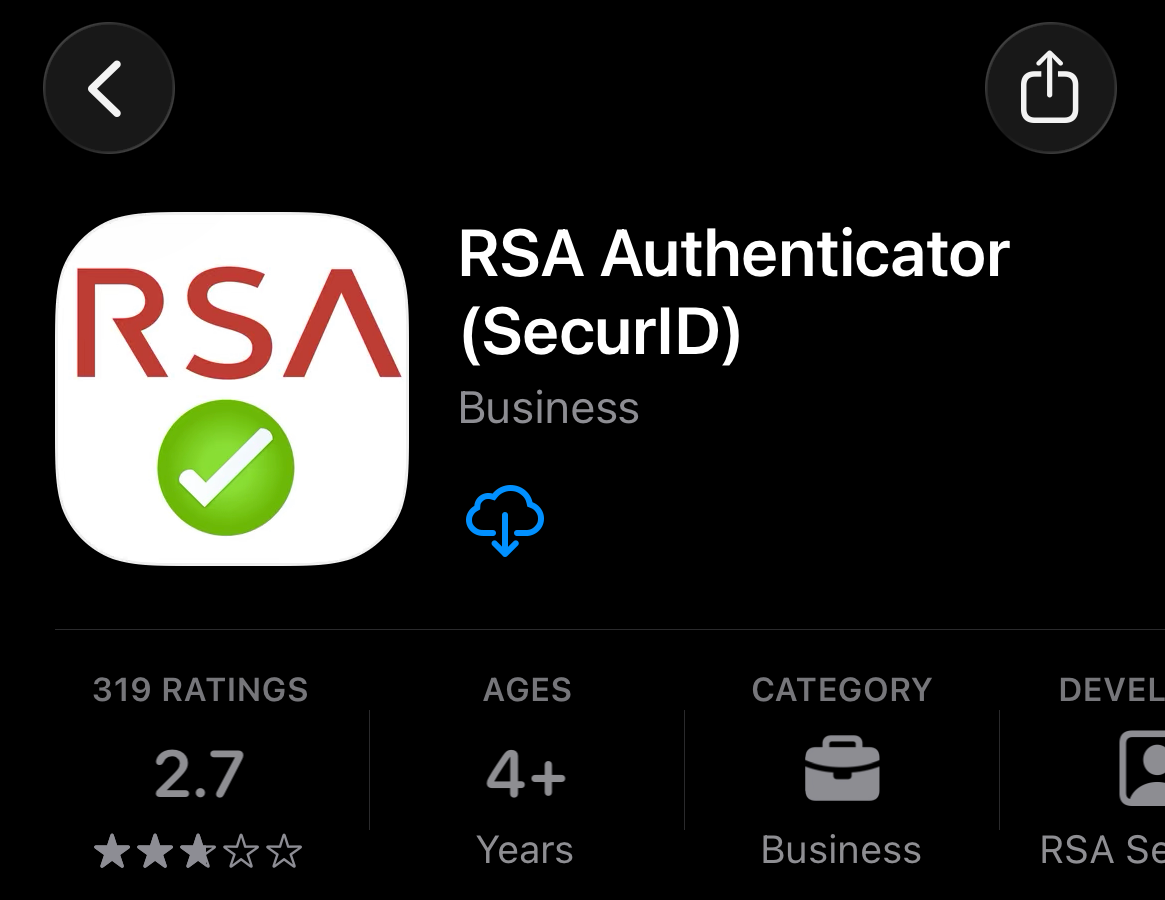
  • Open the Apple App Store or Google Play Store
  • Search for “RSA Authenticator”
  • Click download or install
  • Open the RSA Authenticator app on your phone
  • Click the “Accept” button at Terms of Service prompt
  • Click “Get Started”
  • Select the option to Add Credential
  • Copy and paste the Token Details from Gisella’s email into the Registration Code field, then enter your email address and business name
  • When prompted, enter a PIN: 1234 and Password: Eagle!2026
  • Return to Cash Management and use the passcode from RSA Authenticator when prompted

Important: Keep the app installed on your device after setup is complete.

Need assistance? Please contact your local branch for help with setup.

Recent Articles

Adjustable-Rate Mortgages (ARMs) Explained

Personal

Adjustable-Rate Mortgages (ARMs) Explained

An Adjustable-Rate Mortgage (ARM) can offer advantages for certain home buyers. The key is understanding how they work and whether they align with your plans.

Read more
Why Pre-Approval Matters More Than Ever in Today’s Home Search

Personal

Why Pre-Approval Matters More Than Ever in Today’s Home Search

Getting pre-approved can bring an immense amount of clarity to the home buying and financing process. Read to learn more.

Read more
Most Home Searches Start in the Wrong Place

Personal

Most Home Searches Start in the Wrong Place

Knowing where to start when considering a new home can have a tremendous impact on the entire process. Learn how you can go further, from the start.

Read more

Get updates straight
to your inbox.