
Quick Setup: RSA Authenticator for Cash Management
To access Cash Management services, you’ll need to download and set up RSA Authenticator on your mobile device.
Follow these steps (or watch the demo video below them):
- Open the Apple App Store or Google Play Store
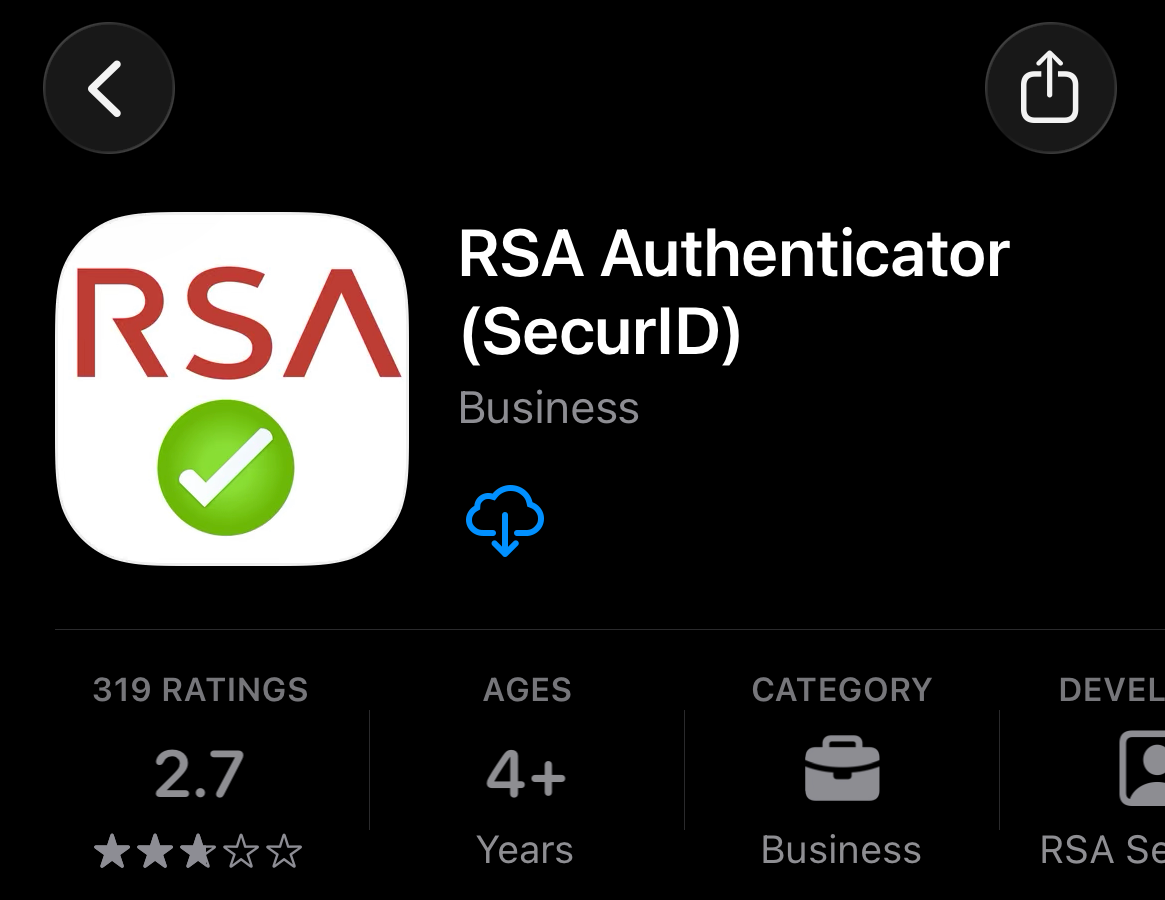
- Search for “RSA Authenticator”
- Click download or install
- Open the RSA Authenticator app on your phone
- Click the “Accept” button at Terms of Service prompt
- Click “Get Started”
- Select the option to Add Credential
- Copy and paste the Token Details from Gisella’s email into the Registration Code field, then enter your email address and business name
- When prompted, enter a PIN: 1234 and Password: Eagle!2026
- Return to Cash Management and use the passcode from RSA Authenticator when prompted
Important: Keep the app installed on your device after setup is complete.
Need assistance? Please contact your local branch for help with setup.